
Microsoft’s KB5120998 Update Cripples Cursors and Blacks Out Wallpapers
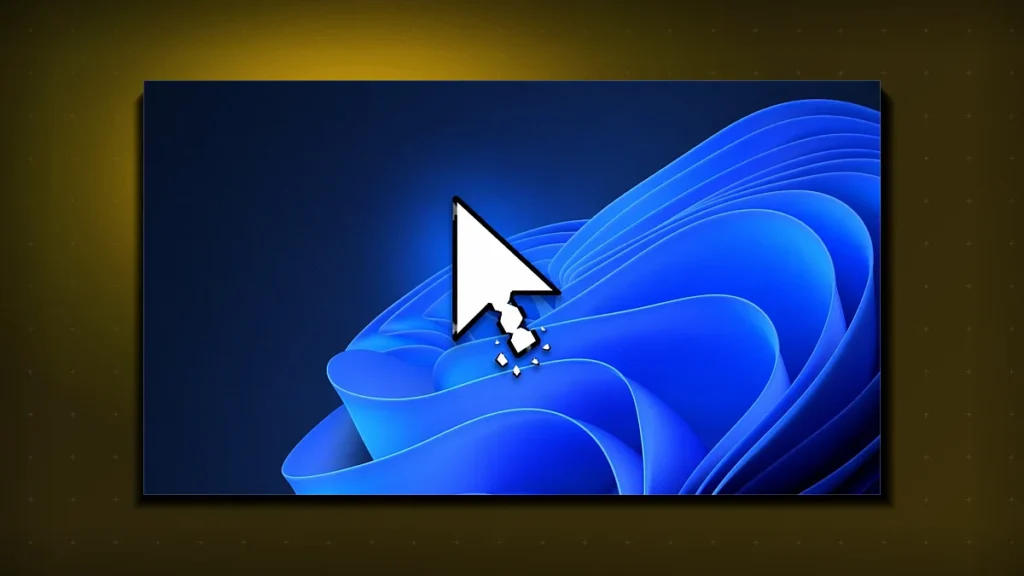
Microsoft’s latest optional Windows 11 update (KB5120998) has triggered a wave of cursor failures and black wallpapers, forcing users to uninstall the patch while the company investigates the root cause.
What’s Inside KB5120998?
On August 24, 2026 Microsoft released the optional cumulative update KB5120998 for Windows 11. Marketed as a visual refresh, the patch touched the Taskbar, Start Menu, and Windows Search, while also delivering under‑the‑hood tweaks to the graphics subsystem. The update is sized at roughly 2.2 GB and targets all Windows 11 builds that are on the 22H2 and 23H2 release channels.
The Cursor Catastrophe Unpacked
Within hours of deployment, users reported that the default system cursor vanished, reverting to an invisible pointer. In some cases the cursor flickered between a tiny arrow and a solid block, rendering basic navigation impossible. The problem is traced to a regression in the DirectWrite rendering pipeline that mishandles the cursor.dll resource bundle when the new visual theme files are loaded.
Technical Root Cause
Microsoft’s internal changelog shows that KB5120998 introduced a new CursorTheme registry key intended to support animated cursors for touch‑enabled devices. The key inadvertently overrides the default SystemCursor path, causing the OS to look for a file that no longer exists in the updated resource directory. When the lookup fails, Windows falls back to a null pointer, which the UI layer interprets as “no cursor”.
Why Wallpapers Go Dark
Simultaneously, the patch broke the link between the user’s selected wallpaper and the desktop compositor. The compositor now receives a black frame buffer for any image that isn’t stored in the new .wallpaper container format. As a result, the desktop appears solid black until the user manually uninstalls the update or reverts to a default image.
Compositor Interaction
The Windows Desktop Window Manager (DWM) expects a 32‑bit ARGB bitmap. KB5120998 swapped the bitmap loader to a newer, faster codec that, due to a missing codec registration, defaults to a black output. The bug only manifests when the user’s picture is stored on a network‑mapped drive or a OneDrive‑synced folder, which is why the issue appears “widespread” across both consumer and enterprise environments.
Microsoft’s Response and Rollback Path
Within two days of the reports, Microsoft issued an official statement acknowledging the defect and opened a dedicated incident ticket (ID #2026‑08‑KB‑Curs). The company has published a temporary workaround: disable the new CursorTheme registry entry via regedit and force a refresh of the wallpaper cache with Dwm.exe /reset. For most users, the fastest remedy remains uninstalling KB5120998 through Settings → Windows Update → View update history → Uninstall updates.
Enterprise Impact
Large organizations that enforce the update through Windows Update for Business have been forced to pause rollout on all managed devices. IT admins report an average remediation time of 3.2 hours per 1,000 endpoints, primarily due to the need to script registry changes and verify wallpaper integrity across remote desktops.
Impact on Power Users and Developers
Power users who rely on custom cursor packs for accessibility or gaming notice immediate loss of functionality. Developers building UI‑heavy applications that inject custom cursors see crashes in the rendering loop, as the OS returns an error code that their code does not handle. Microsoft has promised a hot‑fix in the next cumulative update, slated for early September 2026, but has warned that the fix will be “optional” until the issue is fully reproduced in the lab.
| Component | Pre‑Update | Post‑KB5120998 |
|---|---|---|
| Mouse Cursor | Visible, system‑default | Invisible or flickering |
| Desktop Wallpaper | Custom image displayed | Black screen (unless default) |
| Taskbar/Start Menu | Stable UI | Minor visual glitches (theme icons) |
Tech Tabloid Desk
Editorial & Intelligence DeskThe Tech Tabloid Editorial Desk delivers breaking scoops, architectural deep-dives, hardware benchmarks, and verified analysis across artificial intelligence, semiconductors, cybersecurity, and global venture capital.